Speech to Text
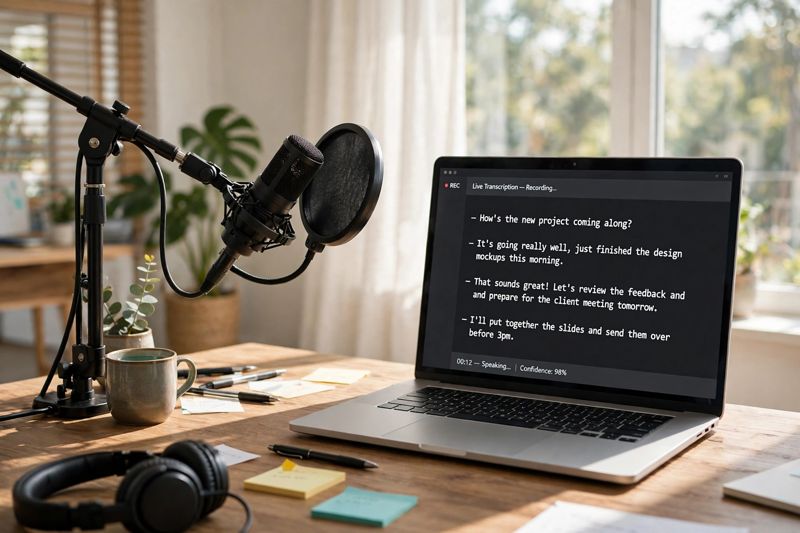
Press Start, speak, and your words appear as text — in Urdu or English. Say “full stop”, “comma”, “question mark”, or “new line” to add punctuation. Edit the text, then copy or download it.
Dictation
Your text
Recent dictations on this device
How this tool works
Dictation. The tool uses your browser's built-in speech recognition. Words appear as you speak; text still being recognised is shown in grey under the box until it is final.
Punctuation by voice. Say “full stop” for a period, “comma” for a comma, “question mark” for ?, and “new line” to start a new line.
Microphone permission. If the microphone is blocked, allow it in your browser: click the lock or tune icon in the address bar, set Microphone to Allow, then press Start again.
Privacy. No audio is recorded, stored, or uploaded by this site. Recognition is done by your browser's own speech service, which may need an internet connection. The recent-dictations list stays on this device only.
Limits. Needs a supported browser (Chrome works best) and an internet connection for the speech service. Accuracy depends on your microphone and accent.