QR Code Scanner
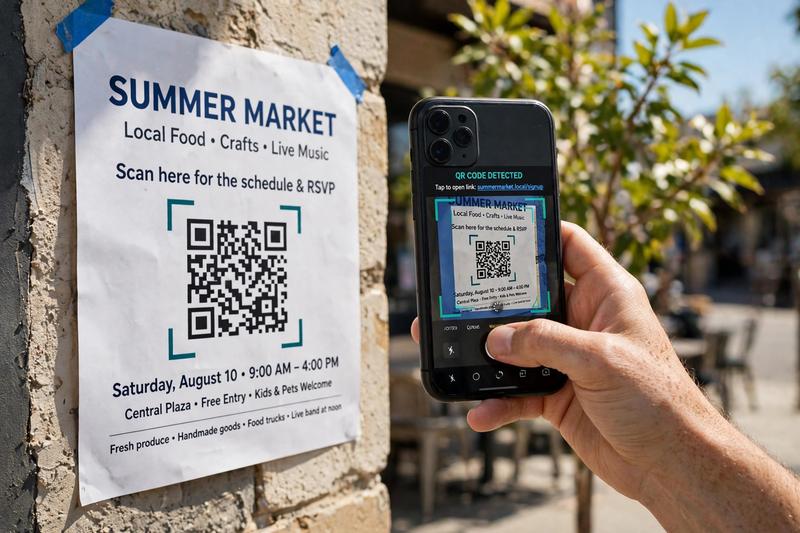
Point your camera at a QR code, or upload a photo of one. Nothing is uploaded or stored.
Camera
Or upload an image
Start the camera or upload an image to scan.
Result
No code scanned yet.
Scan history (this session)
No scans yet in this session.
How the QR code scanner works
Decoding. The code is read in your browser with jsQR — nothing is uploaded. The camera uses the rear camera where available; the torch button appears only where the device supports it.
Multiple codes. If one image holds more than one QR code, the tool scans the whole image and then each half of it (left, right, top and bottom, overlapping), and lists every code it finds.
Links. A decoded link is shown, never opened on its own — tap "Open link" to open it.
Failures. If no code is found, the tool says "No QR code found" and explains that scanning needs light and a clear, undamaged code.
Local only. All work happens in your browser. No image or result is uploaded, stored or shared. The history lives only in this session.