Image Cropper
Frame a photo, cut it to the size you need, and download it. Nothing is uploaded or stored.
Crop
No image chosen yet.
Choose an image first.
Result
The cropped image will appear here.
Output size—
How the cropper works
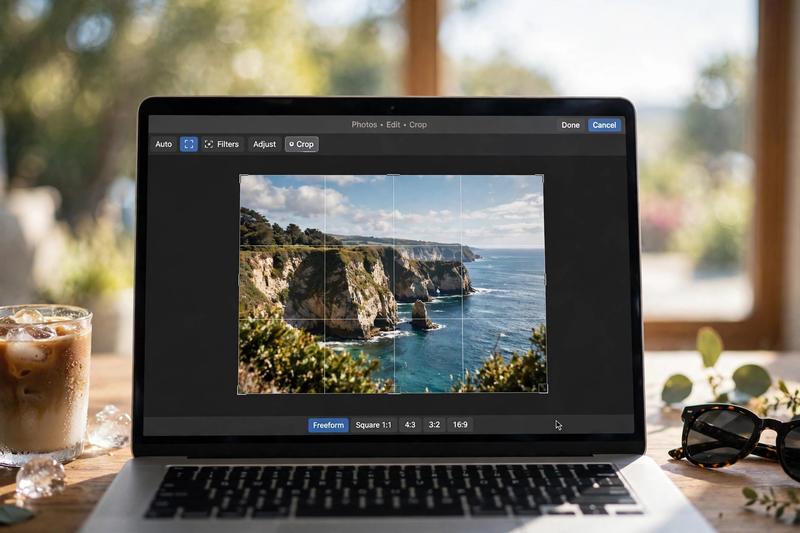
Drag. Drag on the image to draw a new crop box; drag inside the box to move it, and drag a corner to resize it. The ratio buttons keep the box at that shape.
Exact size. The output is exactly the crop box in pixels — a 500×500 box gives a 500×500 image.
Straighten. Rotating happens first, then the crop is taken from the rotated image.
Local only. All work happens in your browser. Nothing is uploaded, stored or shared.