Image Colour Sampler
Click any point on an image to see that colour's HEX, RGB and HSL values.
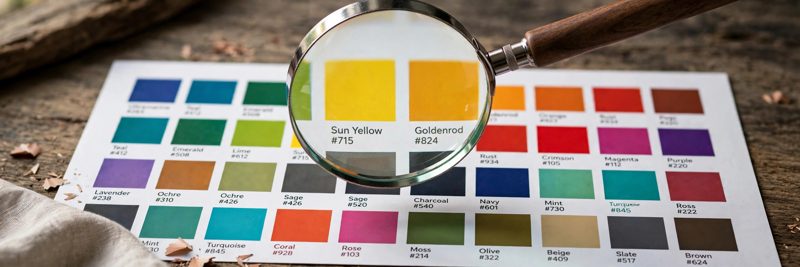
Image
Picked colour
Recent picks on this device
How this tool works
Method. Click or tap any point on the image. The colour of that exact pixel is shown as HEX, RGB and HSL, with a magnified view of the area around it.
Privacy. Everything happens in your browser with the Canvas API. Your image is never uploaded or shared; the recent-picks record stays on this device only.
Limits. JPG, PNG or WebP up to 10 MB. Clicks outside the image are ignored.